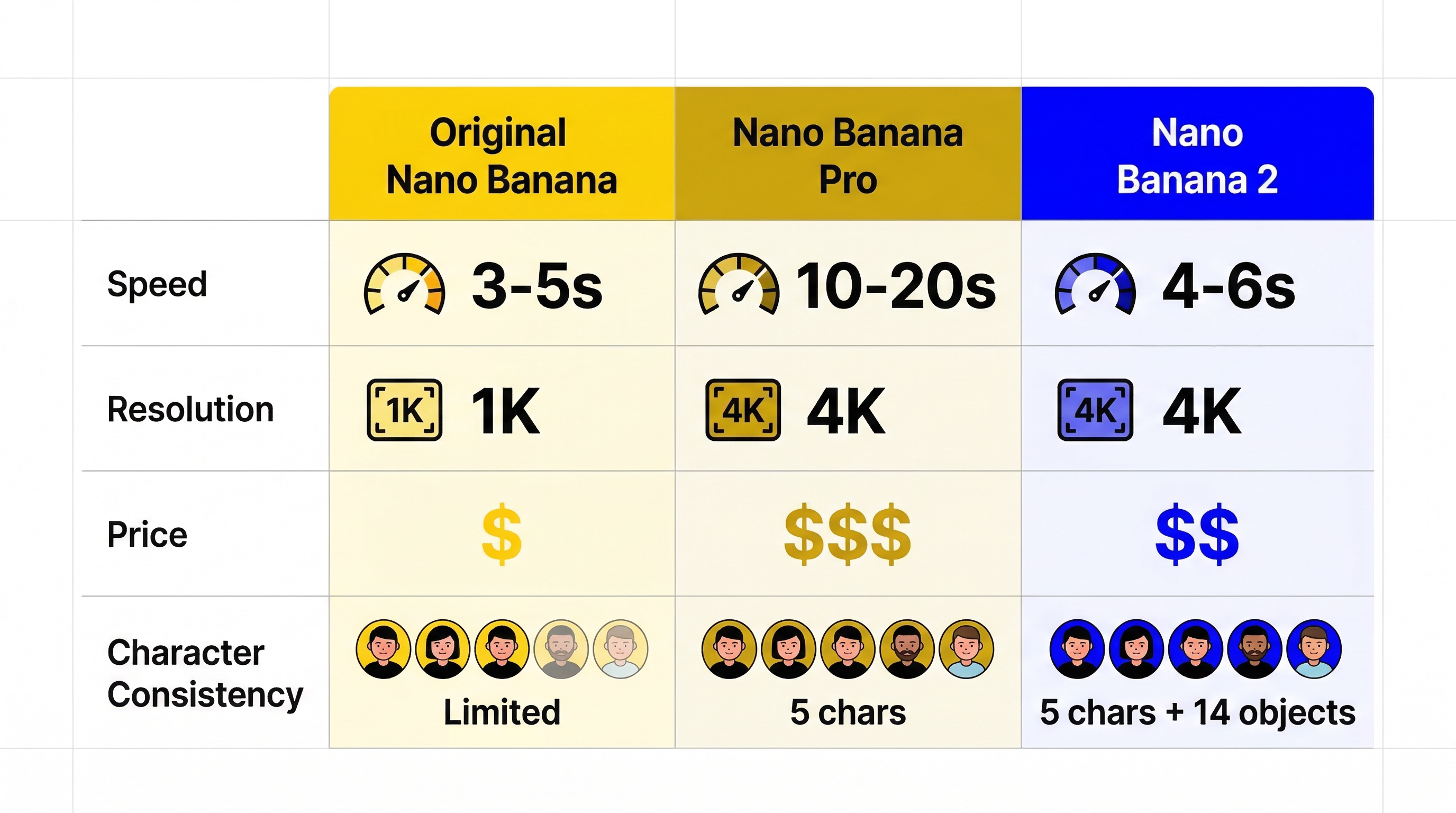
지금 Nano Banana 2 팁을 검색해 보면 대부분 프롬프트 예시만 잔뜩 나옵니다. 영감을 얻는 데는 도움이 되지만, 실제 문제를 해결해 주지는 않습니다. 많은 사용자가 필요한 것은 랜덤한 프롬프트 50개가 아니라, 더 선명한 텍스트, 더 안정적인 캐릭터, 더 좋은 제품 이미지, 그리고 더 적은 실패 결과를 만드는 재현 가능한 방법입니다.
이 가이드는 바로 그 문제를 해결하기 위해 작성되었습니다.
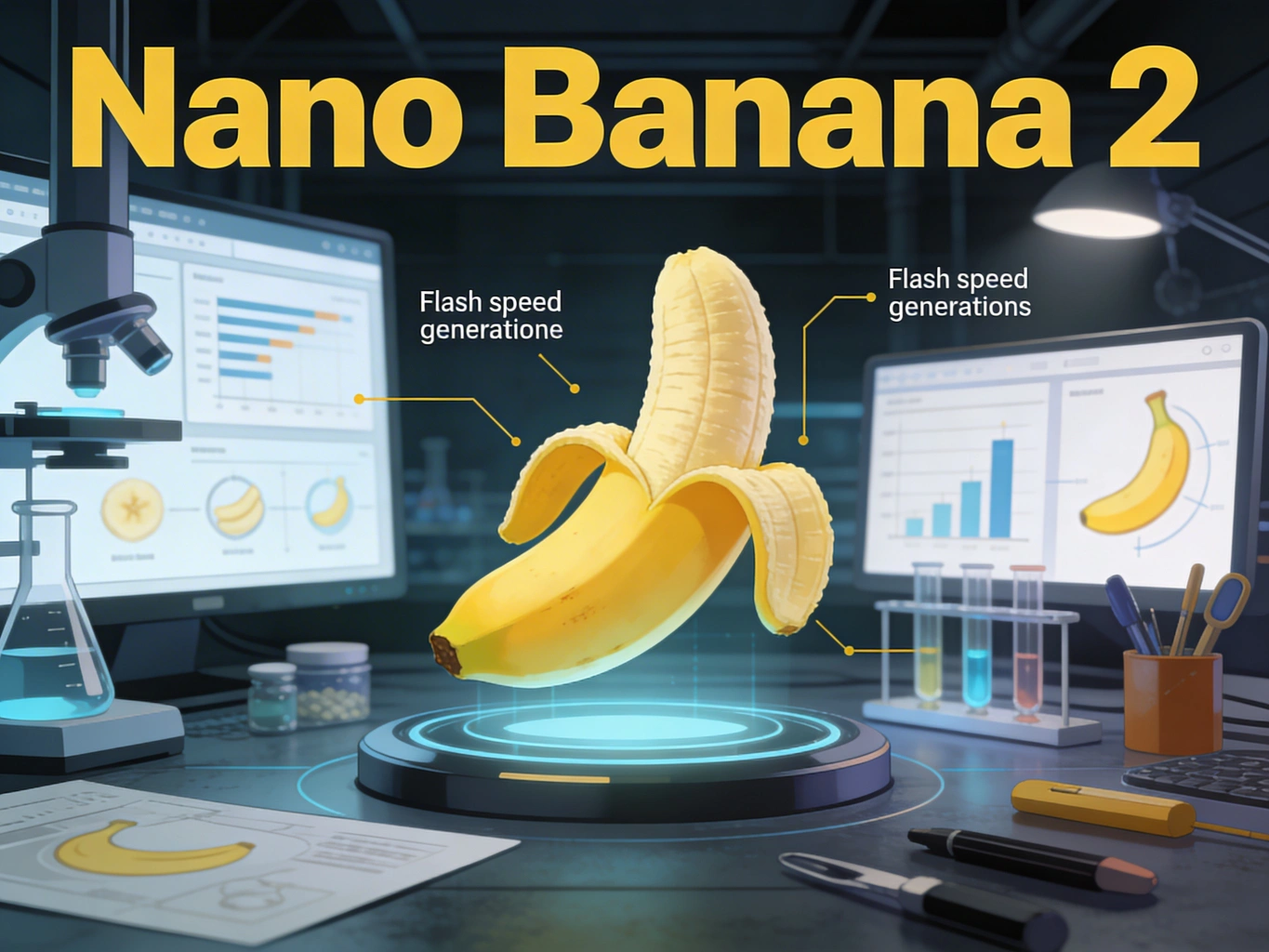
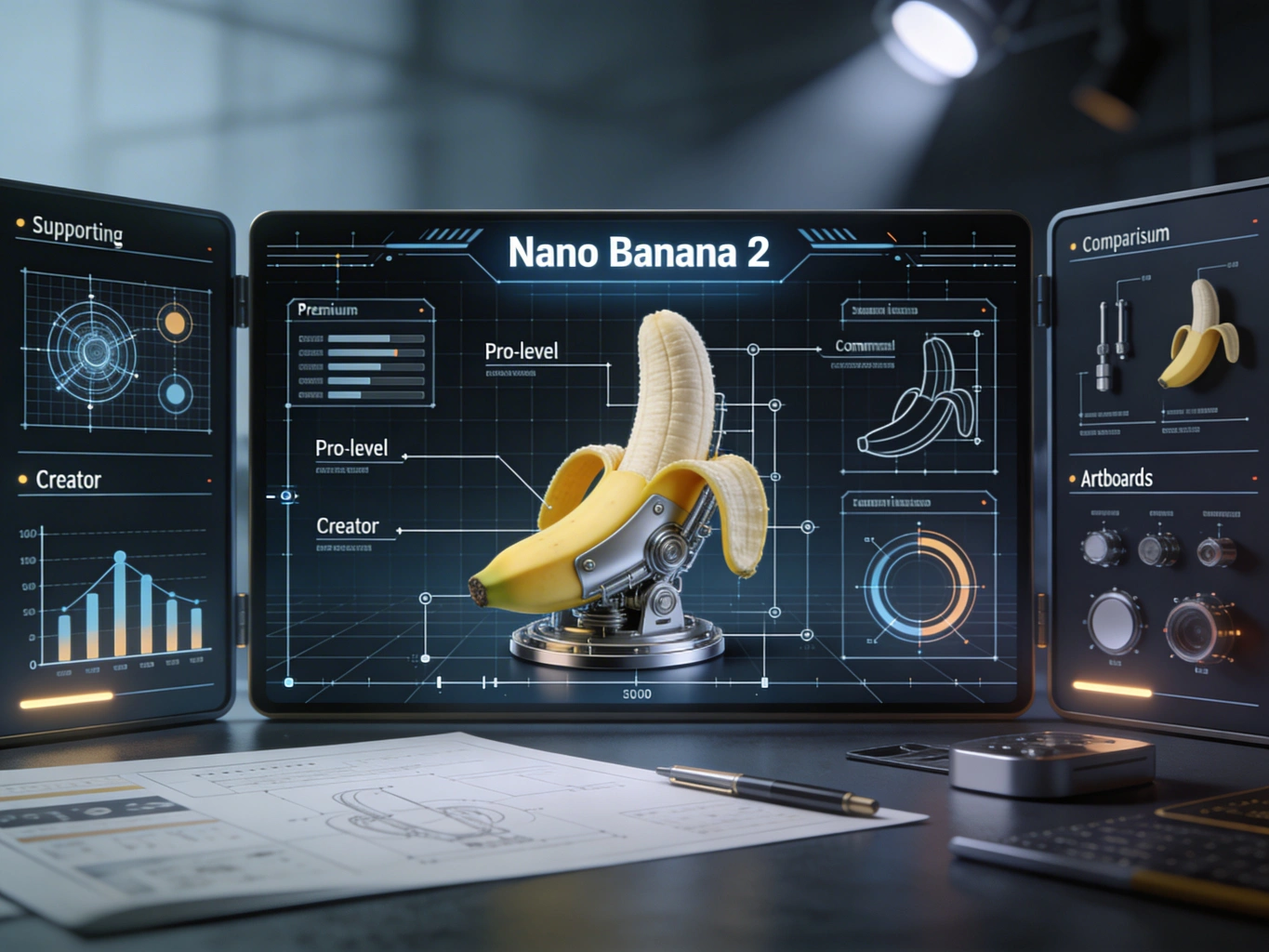
Nano Banana 2는 Google이 2026년 2월 26일 공개한 Gemini 3.1 Flash Image 기반 이미지 모델입니다. Flash 급 속도 안에 Pro 수준에 가까운 여러 기능을 넣은 모델이며, 더 빠른 반복 생성, 더 강한 지시 따르기, 개선된 텍스트 렌더링, 넓은 월드 지식, 그리고 실무에 맞는 출력 제어가 핵심입니다. 2026년 3월 23일 기준으로 Gemini, Search, Flow, Ads, AI Studio, Vertex AI 전반으로 확장 중입니다.
여기서 중요한 질문은 “Nano Banana 2가 좋은가?” 같은 추상적인 질문이 아닙니다.
진짜 중요한 질문은 이것입니다.
어떤 프롬프트와 워크플로를 써야 Nano Banana 2가 보기만 좋은 틀린 이미지가 아니라, 원하는 결과를 안정적으로 만들어 주는가?
Nano Banana 2 프롬프트 가이드: 더 나은 텍스트, 캐릭터, 제품 이미지를 만드는 방법 | 블로그
반복 등장 캐릭터가 있는 스토리보드
조명과 재질 표현이 중요한 제품 이미지
인포그래픽, 포스터, 설명형 비주얼
원본 스타일과 원근을 유지하고 싶은 이미지 편집
반대로 한 번에 너무 많은 것을 요구하면 성능이 약해집니다. 특히 다음이 섞이면 더 흔들립니다.
긴 텍스트
너무 많은 피사체
너무 많은 오브젝트 관계
불명확한 시각적 계층
서로 충돌하는 스타일 지시
워크플로 관점에서 보면 또 하나 중요한 포인트가 있습니다.
출처
표기된 일관성 상한
Google 소비자용 출시 글
최대 5명 캐릭터, 14개 오브젝트
현재 Gemini API 이미지 문서의 gemini-3.1-flash-image-preview
최대 4명 캐릭터, 10개 오브젝트
이 차이는 중요합니다. 운영 관점에서는 홍보 수치보다 더 보수적인 API 기준을 따르는 편이 안전합니다. 즉, 출시 글에서 더 큰 장면이 시연되었다고 해서, 실제 프로덕션 워크플로도 5명 이상의 캐릭터와 10개가 넘는 오브젝트를 안정적으로 처리한다고 가정하면 안 됩니다.
Nano Banana 2는 프롬프트가 집중되어 있고 장면의 주 피사체가 분명할 때 가장 안정적입니다.
많은 프롬프트 가이드는 모든 작업을 단순한 text-to-image로 취급합니다. 하지만 그것은 정확하지 않습니다. Nano Banana 2는 새로 생성할 때, 기존 이미지를 편집할 때, 실세계 grounding을 쓸 때, 복잡한 제약을 처리할 때 각각 다르게 움직입니다.
A premium skincare product photo of a frosted glass serum bottle on polished white marble, lit by soft morning window light. A thin gold cap catches a warm highlight. The background is clean and minimal with gentle shadow falloff, creating an upscale editorial beauty campaign look.
Nano Banana 2는 이전 Flash 이미지 모델보다 텍스트 표현이 훨씬 강하지만, 여전히 운영 요령이 필요합니다. 실용적인 방법은 먼저 텍스트를 정하고, 그 텍스트를 포함한 이미지로 생성하는 것입니다.
즉 다음 원칙이 중요합니다.
생성 전에 정확한 헤드라인을 확정한다
이미지 안 텍스트는 짧게 유지한다
메인 텍스트 블록 1개와 보조 라인 1개 정도로 제한한다
문단 수준의 긴 카피를 이미지에 넣지 않는다
안정적인 예시는 다음과 같습니다.
Create a clean launch poster for an AI image tool with the headline"Create Faster, Cleaner Visuals" in a bold modern sans-serif font.Add a small subheading that reads "Nano Banana 2 Workflow Guide".The layout should be minimal, readable, and centered.Use a white background with soft steel-blue accents and subtle depth.
Create a cinematic storyboard frame of the same young female architect withshort black hair, a charcoal trench coat, silver round glasses, and a calm,focused expression. She is reviewing blueprints on a rooftop at sunrise.Keep her facial structure, glasses, coat, and hair consistent with previous images.
Create a premium e-commerce hero image of a matte black wireless earbud case,open at a 35-degree angle on dark slate stone. Use controlled studio lightingwith one soft key light from the left and a narrow rim light from behind.Show subtle reflections, realistic material texture, and sharp edge definition.Background should be minimal and luxury-focused.
Create a high-contrast promotional poster for a creative AI tool.Use the headline "Design Faster with Better Control" in large, clean sans-serif text.Place a smaller subheading below it: "Built for fast iteration, clean text, and visual consistency."The composition should feel editorial, modern, and premium with plenty of whitespace.Use a dark charcoal background, soft silver highlights, and one vivid accent color.
Create a product launch hero image of a compact AI camera device on brushed aluminum.Use a three-quarter angle, dramatic but realistic studio lighting, and shallow depth of field.The background should be minimal and cinematic.Emphasize material realism, edge detail, and premium industrial design.
Create the next storyboard frame featuring the same orange tabby shop mascotwearing a green apron and small name tag. Keep the face shape, fur pattern,apron color, and playful expression consistent. Show the mascot arranging pastriesin a cozy bakery interior with warm window light.
Create a clean infographic explaining a four-step AI image workflow.Use short readable labels only: "Plan", "Prompt", "Refine", "Export".The design should be simple, flat, and presentation-ready with clear arrows,logical spacing, and no clutter. Use a white background with blue-gray accents.
Using the provided image, replace the plain paper coffee cup with a matte black ceramic mug.Match the original lighting, perspective, table shadow, and overall photo realism.Do not change the hand position, framing, or background.
Create a social ad in a clean lifestyle style with the text "Weekend Reset"prominently displayed. Produce the composition so the text is crisp and easy to translate.Keep the layout simple, centered, and adaptable for multiple language versions.
Nano Banana 2가 프로덕션에서 유용한 이유 중 하나는 출력 제어가 현실적으로 쓸 만해졌기 때문입니다. 현재 API에서 쓸 수 있는 항목은 다음과 같습니다.
512
1K
2K
4K
현재 지원되는 화면비는 다음과 같습니다.
1:1
2:3
3:2
3:4
4:3
4:5
5:4
9:16
16:9
21:9
그리고 1:4, 4:1, 1:8, 8:1 같은 새로운 초광폭/초세로 비율
정답은 미감보다 반복 비용에 더 가깝습니다.
출력 선택
가장 적합한 용도
이유
512
러프 아이데이션과 대량 반복
가장 낮은 지연과 가장 저렴한 구도 테스트
1K
소셜 미리보기와 콘셉트 승인
리뷰에 충분한 디테일을 유지하면서 빠름
2K
대부분의 실무 작업
광고, 썸네일, 포스터, 슬라이드에 가장 균형이 좋음
4K
최종 납품 또는 큰 크롭이 필요한 워크플로
구도가 이미 마음에 들 때만 사용해야 함
대부분의 팀에는 다음 흐름이 가장 합리적입니다.
먼저 512 또는 1K로 시작한다
구도를 고정한다
그다음 2K로 올린다
프롬프트와 레이아웃이 안정되면 마지막에 4K를 쓴다
이것은 비용에도 직결됩니다. Google의 Gemini API 가격 페이지 기준으로 표준 모드에서 대략 1K 또는 2K 이미지 한 장당 $0.134, 4K 이미지 한 장당 $0.24 수준입니다. 대규모 배치에는 더 낮은 요금도 있습니다. 또한 Google Search grounding을 함께 쓰면 월 무료 한도 초과 후 별도의 검색 쿼리 비용이 붙습니다.
즉, 모든 초안을 바로 4K로 돌리고 있다면 그것은 프리미엄 운영이 아니라 반복 예산 낭비에 가깝습니다.
generic image 대신 poster, banner, label, UI card 같은 형식을 지정한다
수정 예:
Keep the headline centered in the upper third with generous spacing.Do not add extra decorative lettering or handwritten elements.Prioritize readability over visual ornament.