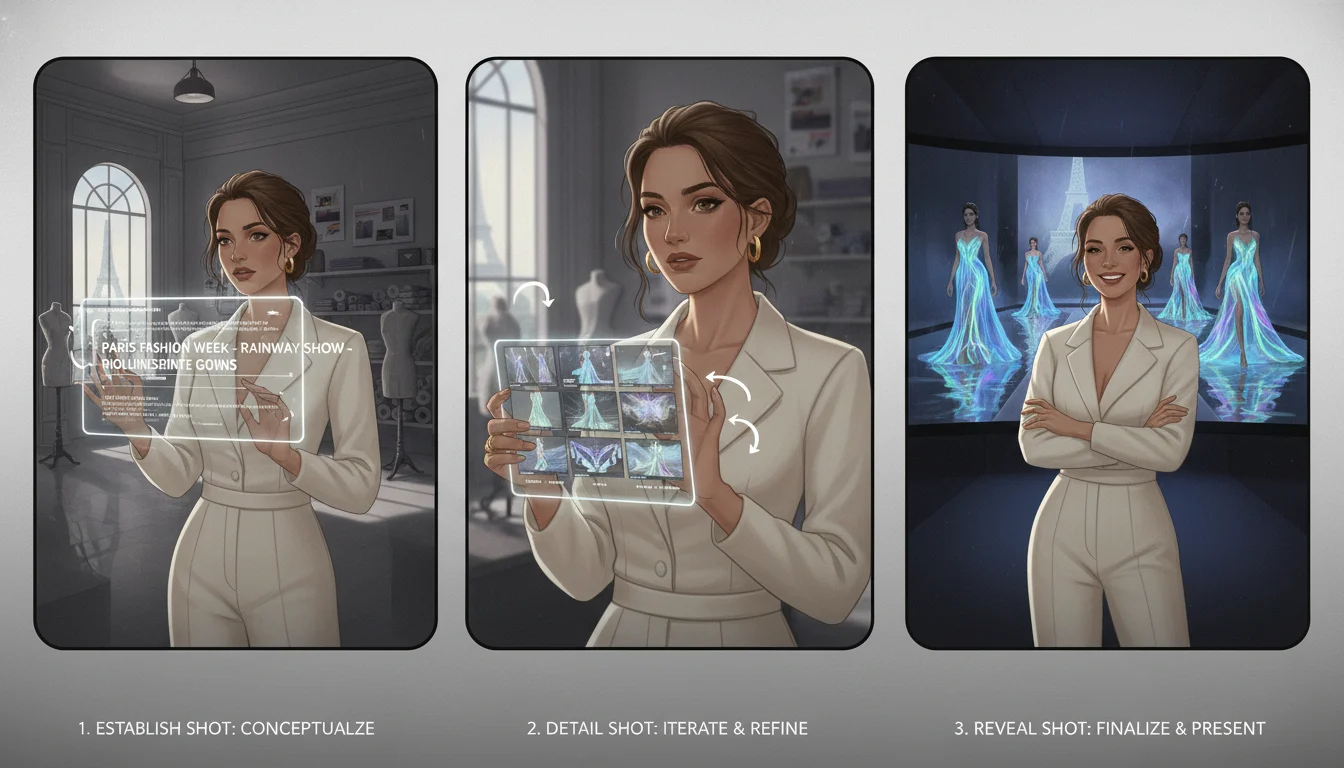
If you search for veo 3.1 prompts today, most pages hand you random examples. That is not the real bottleneck.
The real bottleneck is control.
You need prompts that survive short clip lengths, keep the camera intention clear, hold subject identity across multiple shots, and avoid the usual collapse into vague motion, accidental text, or muddy scene changes. That is especially true if your target is not just "an AI video," but a cinematic AI video that looks directed instead of improvised.
This guide focuses on the practical side of Veo 3.1 prompting:
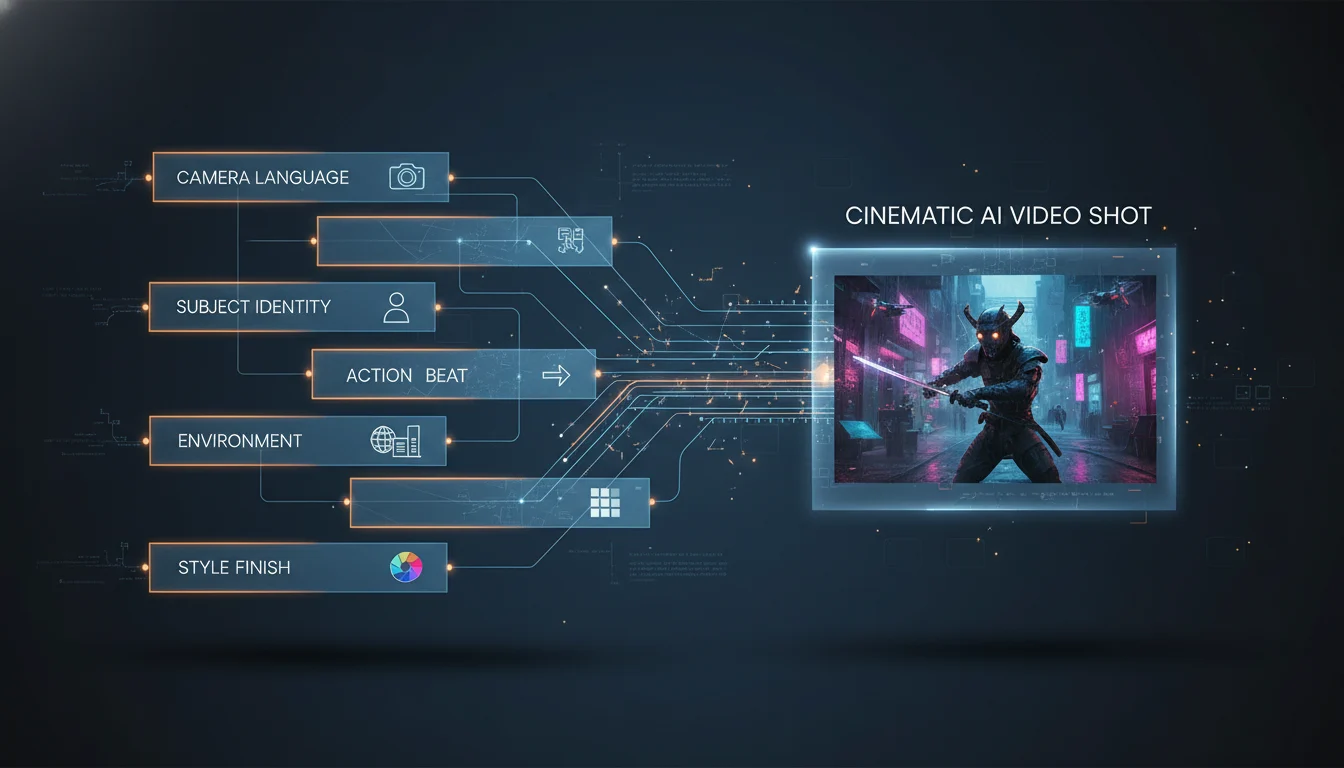
how to structure a cinematic prompt
when to use text-to-video, image-to-video, first-and-last-frame, or ingredients-to-video
how to keep character and shot continuity across clips
how to write dialogue, sound, and negative constraints without fighting the model
what usually breaks, and how to fix it fast
If you want the broader product overview first, read . If you already know the model and want the hands-on workflow, stay here.
As of April 4, 2026, the practical assumptions for Veo 3.1 prompting are these:
the current Vertex AI model family exposes veo-3.1-generate-001, veo-3.1-fast-generate-001, and preview variants
the core working clip lengths are 4, 6, and 8 seconds
the working aspect ratios are 16:9 and 9:16
the standard output path centers on 720p and 1080p
the subject-reference workflow supports up to three reference images for one person, character, or product
the prompt rewriter cannot be disabled on Veo 3 and 3.1
current Flow updates also push speech in Frames to Video, but that feature is still experimental
Those details change how you should prompt.
First, Veo 3.1 is still a short-clip model. That means cinematic prompting is less about writing a mini screenplay and more about compressing one strong beat into one clean shot.
Second, the prompt rewriter matters. If your prompt is loose, generic, or too short, the system has more room to reinterpret it. In practice, this means very short prompts often feel less stable than well-structured medium-length prompts.
Third, reference-image workflows are now a real part of the production path, not an edge trick. If you need the same face, wardrobe, or object identity across multiple clips, a consistent reference setup is usually stronger than trying to solve everything with adjectives alone.
One more practical nuance matters: current production guidance is strongest on subject reference images for Veo 3.1. If you are thinking in terms of pure style-image control, treat that as less reliable than subject and scene consistency workflows. For most cinematic work, this is not a big loss. Subject continuity plus shot language already gets you most of the way there.
Use this when you want a prompt that is cinematic but still production-friendly:
[Shot and camera language], [main subject with stable identity cues],[one primary action], in [specific environment and time of day].Lighting: [key light, mood, practical sources].Style: [cinematic finish, palette, texture].Motion: [camera movement, subject movement, environmental movement].Audio: [dialogue if any], [sound effects], [ambient noise].Avoid: [what should not appear or happen].
Example:
Eye-level medium shot, a young luxury fashion designer with a blunt black bob,a charcoal wool coat, and silver tailoring scissors clipped at the waist,studying a draped silk jacket on a mannequin in a narrow Paris atelier at bluehour. Soft window light from the left, warm practical lamp on the worktable,muted blue-gray palette, premium editorial finish with subtle film grain. Slowdolly in as the designer lifts the sleeve and checks the shoulder line. Fabricrustles softly. Ambient city rain outside the window. Avoid extra people, texton screen, exaggerated facial motion, and sudden camera shake.
This is the strongest route when you know both the opening and the destination.
It works well for:
reveal shots
arc moves
perspective changes
before-and-after transitions
The key is not to describe everything in the middle. Describe the movement logic:
where the camera starts
where it ends
what emotional shift happens during the move
what the audio should do across the transition
Timestamp prompting can also help when you want one 8-second clip to behave more like a controlled sequence. Just use it sparingly. It is better for a few strong beats than for a whole miniature film.
If you are building a sequence and need visual, stylistic, or voice consistency, hold the seed constant whenever the tool surface gives you access to it.
You rewrote the whole scene instead of prompting motion
Prompt only for motion, camera, and environmental change
Dialogue introduces odd on-screen text behavior
Formatting is too literal or too text-heavy
Keep spoken lines short and use conservative dialogue formatting
The shot looks generic instead of cinematic
No real camera language
Start with shot type, angle, and movement
Results drift from the idea
The system rewriter has too much room to reinterpret a vague prompt
Use a medium-length structured prompt instead of a one-line idea
The clip looks like multiple unfinished scenes glued together
You wrote a sequence instead of a shot
Break the story into separate clips
One subtle but important point: production-safe dialogue formatting should be conservative. If text keeps appearing on screen when you do not want it, simplify the speech instruction, keep lines short, and avoid treating the prompt like a screenplay page.
Veo 3.1 is powerful, but prompt quality is only half the workflow. Teams still need a place to compare outputs, test different routes, and move from idea to publishable asset without bouncing between disconnected surfaces.
That is where Veo 4 helps.
Veo 4 is the better route when you want:
one workspace for multiple creation paths
faster iteration on prompt, reference, and output decisions
a simpler production layer for teams that do not want to live inside one vendor interface
an easier handoff between ideation, image preparation, and video generation
If your goal is not just to test one Veo 3.1 shot, but to run a repeatable AI video workflow, start with veo4.im.
Long enough to define shot, subject, action, context, and finish clearly. Short one-line prompts are usually weaker than medium-length structured prompts.
Use the same subject block, the same reference setup, and the same seed where available. Consistency comes from repetition and restraint, not from adding more random adjectives.