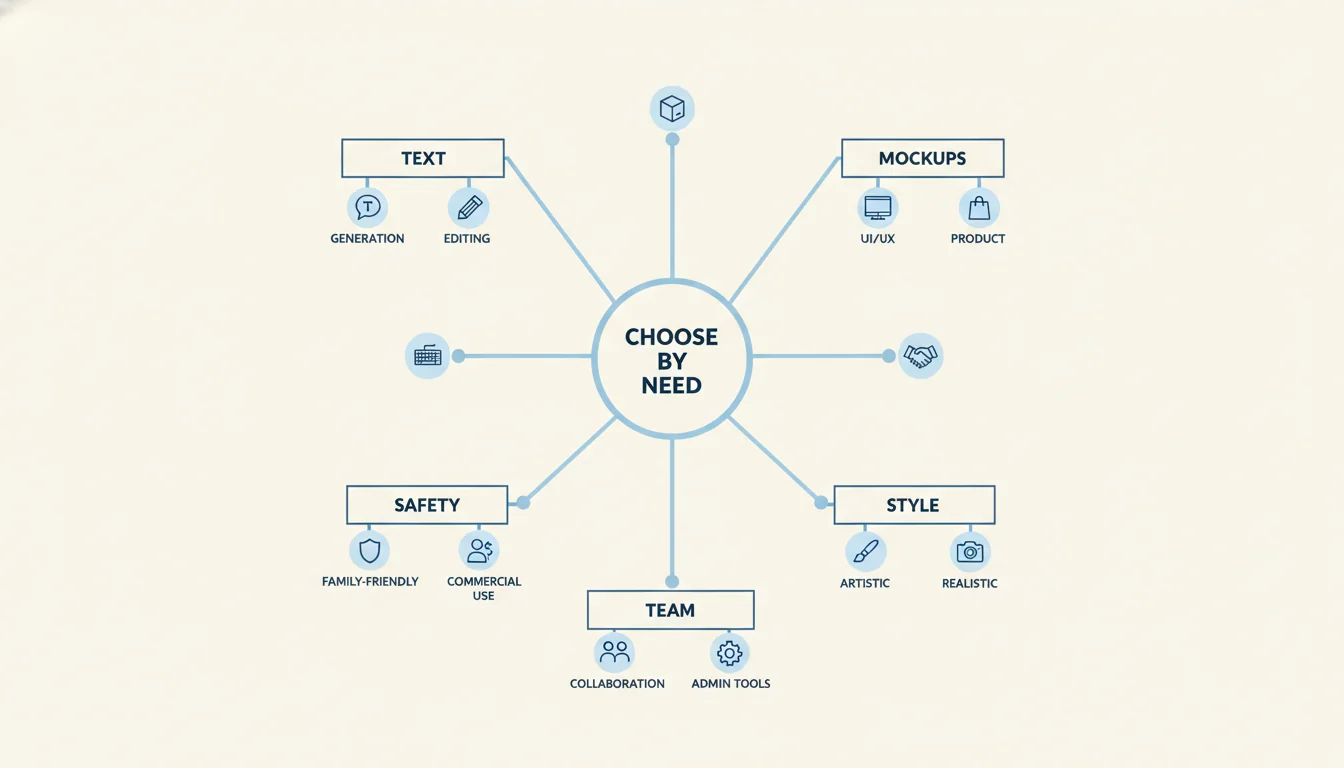
Choosing the best AI image generator is no longer about finding the model with the most hype. For most teams, the real question is simpler: which tool will help you ship better visuals faster for the kind of work you actually do?
If you create ad creatives, product mockups, blog graphics, landing page visuals, posters, or social media content, the winner depends on your workflow. Some tools are better at art direction. Some are better at text in images. Some are much stronger at iterative editing. Others are better when a team needs one workspace instead of juggling separate subscriptions and exports.
This is an editorial review, not a synthetic benchmark lab. The picks below reflect editing workflow, text rendering strength, consistency controls, commercial readiness, and fit for real marketing use cases.
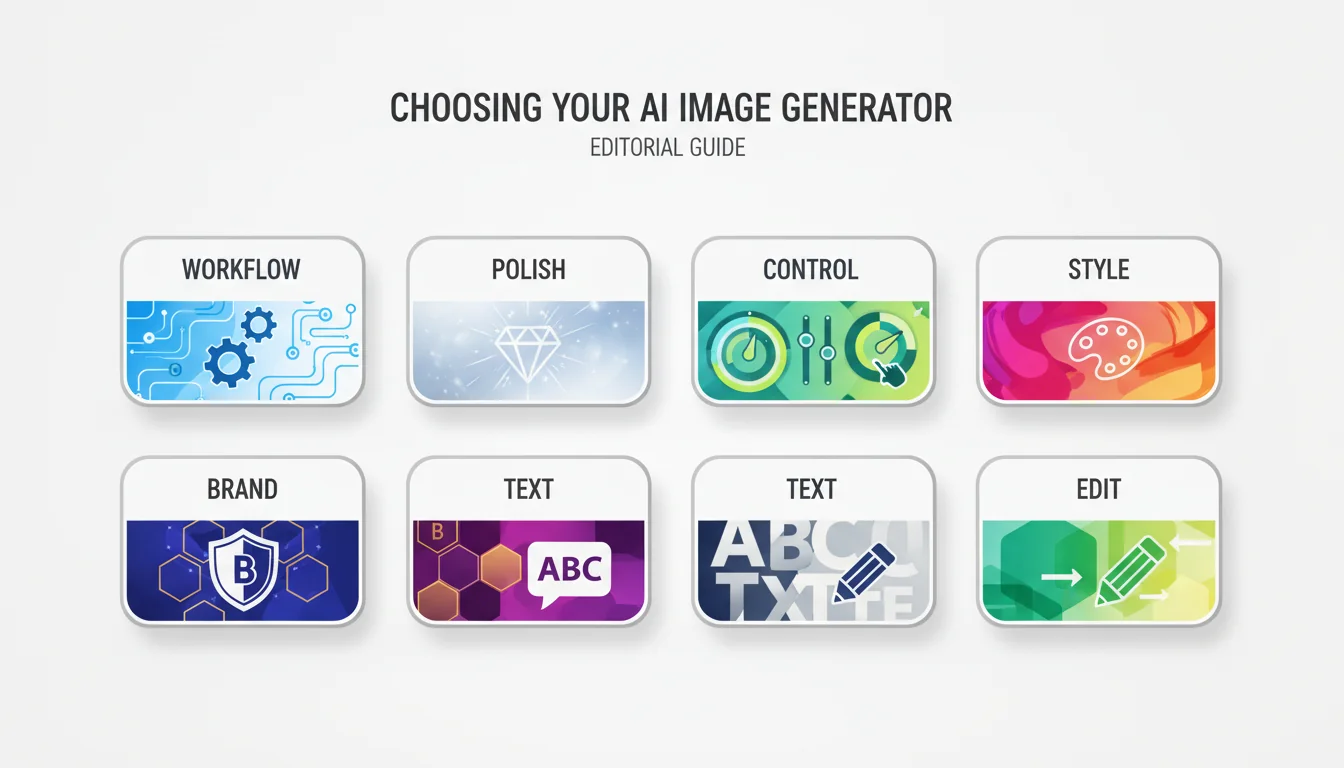
I ranked these tools using the criteria that matter most for marketing and creative production:
Prompt understanding: Can the model follow a detailed brief without drifting?
Image editing: Can you revise an existing asset instead of restarting every time?
Text rendering: Can it handle posters, ads, labels, or UI-like compositions?
Style consistency: Can you keep campaigns visually coherent across multiple outputs?
Product mockup utility: Can it generate believable packaging, objects, and scene variations?
Workflow fit: Is it easy to move from first prompt to final asset?
Commercial readiness: Is the product positioned for business use, team use, or licensed workflows?
That framework matters because the wrong choice usually fails in production, not in demos. A model may look impressive on one heroic prompt and still be a poor fit for campaigns, variants, edits, and approval rounds.
If your goal is to get from idea to usable marketing asset without bouncing between tools, Veo 4 AI Image Generator is the most practical all-in-one choice in this list.
What makes it stand out is not a single niche feature. It is the workflow combination: text-to-image generation, image-to-image transformation, style control, high-resolution output, batch generation, and built-in refinement options in one place. That matters if your team is creating ad variations, blog art, branded graphics, and product visuals every week rather than chasing a single “perfect” hero image.
Why it ranks highly:
It fits real content operations, not just one-off creative experiments.
It supports both fresh generation and reference-driven transformation.
It is useful for social media content, marketing campaigns, product visualization, and website graphics.
It is easier to standardize across a team than a stack of disconnected single-purpose tools.
Best for:
Marketers producing many asset variants
Small teams without a dedicated designer for every request
Founders who want one workspace instead of six subscriptions
Content teams that need speed, consistency, and acceptable commercial output
Less ideal for:
Creators who only care about one highly specific aesthetic community
Users who want the deepest possible native ecosystem inside Adobe or Google
My take: if your buying criterion is workflow efficiency rather than model fandom, this is the most sensible default pick.
Imagen 4 is one of the strongest choices for teams that want polished output without overly stylized drift. Google positions it around strong fine detail, photorealistic and abstract range, better spelling and typography, and support for images up to 2K resolution. That makes it especially compelling for clean campaign art, blog headers, presentation visuals, and presentation-friendly branded images.
Why it works:
It balances photorealism and design-friendly clarity.
Improved spelling and typography matter more than most reviews admit.
It is available across Gemini, Vertex AI, and parts of Workspace, making it easier to fit into existing Google-heavy workflows.
Best for:
Marketing visuals that need to look clean, modern, and broadly usable
Teams already working in Google products
Presentation decks, landing page art, and polished concept images
Less ideal for:
Artists who want the strongest “signature look”
Users who need the most flexible standalone editing workflow
My take: Imagen 4 is one of the safest high-quality choices if you want output that feels polished and presentation-ready rather than aggressively stylized.
OpenAI’s GPT Image family is one of the most workflow-friendly options if your process involves repeated edits, structured instructions, or asset cleanup. It combines strong instruction following, text rendering, detailed editing, multi-turn editing, and transparent background support. That is a very practical combination for marketers who need usable deliverables, not just attractive first drafts.
Why it works:
It is strong at following detailed instructions.
It supports both generation and editing workflows.
It handles reference-based creation and inpainting-style revisions.
Transparent backgrounds make it useful for stickers, product cutouts, UI assets, and lightweight design tasks.
Best for:
Teams that revise assets through several rounds
Creators who need clean prompt adherence
Product marketers making overlays, cutouts, and composited assets
Less ideal for:
Users who primarily want a highly opinionated artistic aesthetic
Creators who choose tools mostly for community style culture
My take: if you care about prompt control more than “vibe,” GPT Image is one of the most rational picks available.
Midjourney remains the strongest choice when the brief is not “make me a clean asset” but “make this look visually striking.” Its strengths are style, mood, visual identity, and image taste. The platform now leans heavily into style references, personalization, moodboards, character or omni reference workflows, and a full editor with remix, inpainting, pan, and zoom.
Why it works:
It is excellent for art direction and campaign mood.
Style Reference and Moodboards help keep a creative direction coherent.
The Editor gives more room for visual iteration than older Midjourney workflows did.
It is still one of the best tools for concept art, key visuals, and distinctive brand imagery.
Best for:
Brand campaigns that need a strong visual voice
Creative directors and designers building mood-first concepts
Editorial, poster, and cinematic-style imagery
Less ideal for:
Teams that need straightforward utilitarian outputs at high volume
Users who prioritize text accuracy and layout control over style
My take: Midjourney is still the best choice when taste matters more than operational convenience.
Adobe Firefly is the most obvious choice for teams that care about brand workflow, familiar tooling, and Adobe’s commercially safer positioning. It is built around licensed Adobe Stock and public domain training sources, plus text-to-image, image-to-image influence, Generative Fill style editing, and integration across Adobe’s creative stack.
Why it works:
It fits naturally into Adobe-heavy teams.
It supports quick generation plus practical refinement.
Adobe positions it for commercial use in a way many legal or brand teams will find reassuring.
It is well suited to social assets, banners, flyers, and design-adjacent production.
Best for:
In-house brand teams
Adobe Creative Cloud users
Organizations that care about approval processes and conservative risk posture
Less ideal for:
Creators seeking the boldest or most surprising artistic outputs
Users who want the strongest independent model identity
My take: Firefly is rarely the most exciting pick, but it is often the easiest one to defend inside a company.
Ideogram deserves more attention in “best AI image generator” roundups because many of them still judge image models like pure art engines. For marketers, text inside images matters. Ideogram has leaned hard into that use case. Its product direction is clear: text rendering, layout generation, style references, style codes, Describe, and Canvas tools with Magic Fill and Extend.
Why it works:
It is unusually strong for posters, covers, ads, and other text-led graphics.
It supports style references for consistent aesthetics.
Canvas, Magic Fill, and Extend give it more real workflow depth than many people assume.
It is particularly useful when you want an AI image tool that behaves more like an early design partner.
Best for:
Ad creatives with visible copy
Posters, thumbnails, covers, and social graphics
Users who need typography plus visuals in one pass
Less ideal for:
Teams that need the broadest ecosystem integration
Creators who mostly produce photorealistic product scenes with heavy post-editing
My take: if you create graphics that actually contain words, Ideogram should be near the top of your shortlist.
The FLUX family is increasingly important because it gives advanced users more control over editing and production-style tasks. In practice, the strongest choice here is not just “FLUX” in the abstract. It is the combination of FLUX.1 Kontext for editing-heavy work and FLUX.2 for more advanced production scenarios. The family focuses on text-driven image editing, character consistency, direct text editing in images, multi-reference workflows, and precise control over composition and color.
Why it works:
FLUX.1 Kontext is particularly strong for edits, local changes, and iterative refinement.
It can directly edit text inside images, which is unusually useful for signage, labels, and ad variants.
FLUX.2 broadens the story with multi-reference editing and scale-friendly production workflows.
It is a strong option for operators who want repeatable control instead of just pretty generations.
Best for:
Product mockup revisions
Ad variant production
Character-consistent campaigns
Teams that need text edits without rebuilding the entire scene
Less ideal for:
Casual users who want the simplest consumer interface
Buyers who prefer one very opinionated end-to-end app experience
My take: FLUX is one of the strongest technical picks for serious iteration and controlled edits.
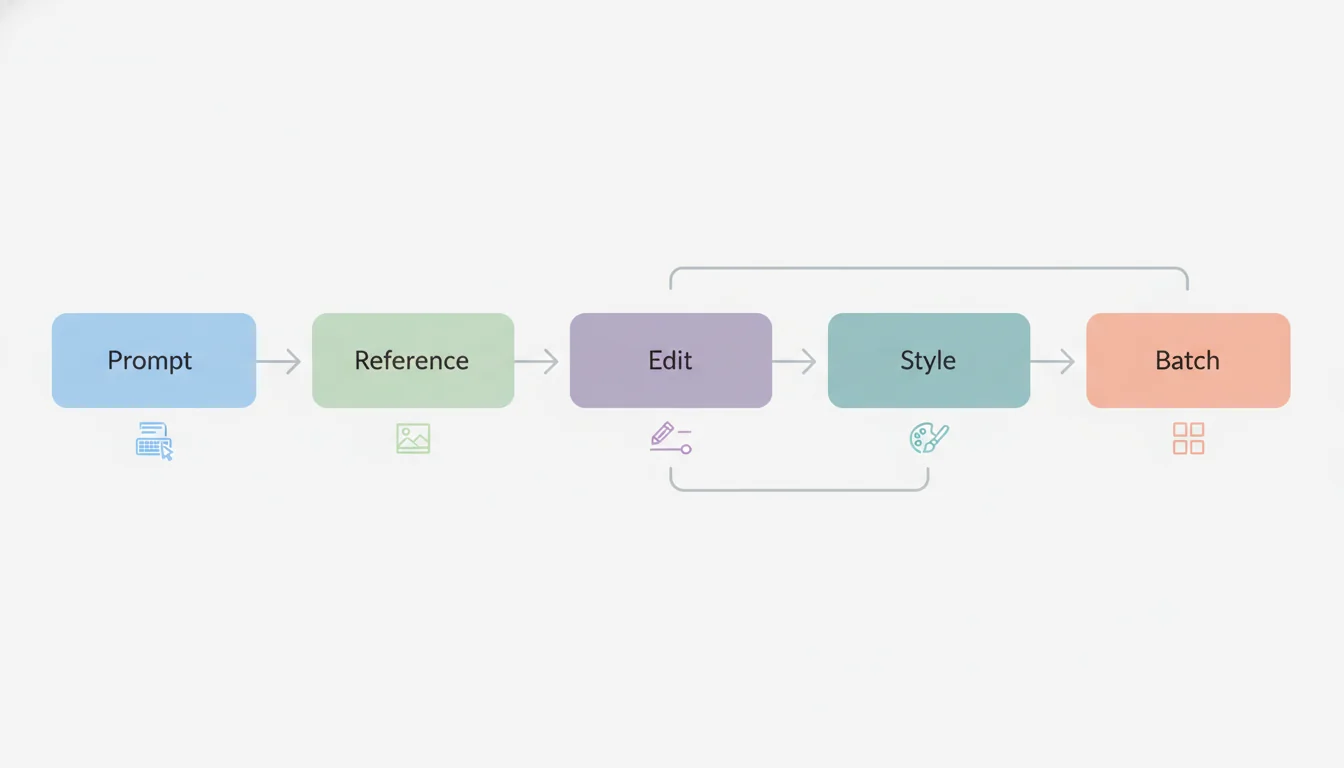
No matter which tool you choose, results improve when your workflow is disciplined:
Start with the use case, not the model.
Decide whether you are making a product mockup, social graphic, blog cover, poster, or ad variation before writing a prompt.
Write for constraints, not adjectives.
Include subject, composition, camera angle, lighting, environment, brand cues, and what must stay unchanged.
Use reference-driven iteration.
If your campaign needs consistency, do not keep starting from scratch. Use style references, image-to-image, or edit tools.
Separate exploration from production.
Use one round for wild concepting and another for repeatable asset production.
Plan the final format early.
If the image needs text overlays, transparent backgrounds, or multiple aspect ratios, choose the tool that handles those requirements upstream.
For most marketers and small teams, the best overall choice is the one that reduces workflow friction. That is why an all-in-one option can outperform a famous standalone model in day-to-day use.
FLUX and GPT Image are especially strong when the job involves controlled revisions, object changes, or prompt-accurate edits. Veo 4 AI Image Generator is also a strong practical choice if you want product visualization as part of a broader content workflow.
Ideogram is one of the strongest specialized choices for posters, ad creatives, and other text-heavy image formats. Google Imagen 4, OpenAI GPT Image, and parts of the FLUX family also make this category more competitive than it used to be.
Midjourney, Ideogram, Veo 4 AI Image Generator, and FLUX are all good options depending on whether your priority is art direction, reusable style references, all-in-one workflow consistency, or reference-driven controlled edits.
Adobe Firefly is an obvious choice for Adobe-native organizations. Veo 4 AI Image Generator is easier for teams that want a broader image workflow in one place. Google Imagen 4 also makes sense for companies already deep in Google products.
The best AI image generator in 2026 is not the one that wins the loudest benchmark argument. It is the one that helps your team produce better visuals with less friction.
If you want the most balanced recommendation, choose an all-around workflow tool. If you want polished marketing visuals, Imagen 4 is a strong pick. If you want prompt control and edits, GPT Image is excellent. If you want style, Midjourney still leads. If you want commercial caution, Firefly is hard to ignore. If you want typography, Ideogram is one of the best specialist tools available. If you want precise editing, FLUX is one of the smartest buys in the category.
The smart move is to pick by job, not by hype.
Best AI Image Generator in 2026: 7 Tools Reviewed for Marketing, Product Mockups, and Social Content
The Short Answer
How I Judged These Tools
The 7 Best AI Image Generators Reviewed
1. Veo 4 AI Image Generator: Best all-in-one workflow for small teams
2. Google Imagen 4: Best for polished, clean-looking marketing visuals
3. OpenAI GPT Image: Best for prompt following and iterative revisions
4. Midjourney: Best for aesthetic direction and memorable visual style
5. Adobe Firefly: Best for commercially cautious brand teams
6. Ideogram: Best for text-heavy graphics, posters, and ad creatives
7. Black Forest Labs FLUX: Best for precise edits and controlled production workflows
Best AI Image Generator by Task
Which One Should You Pick?
What Most “Best AI Image Generator” Reviews Miss
A Better Workflow for Higher-Quality Results
FAQ
What is the best AI image generator overall?
Which AI image generator is best for product mockups?
Which AI image generator is best for text in images?
Which AI image generator is best for brand consistency?
Which tool is easiest for business teams to adopt?