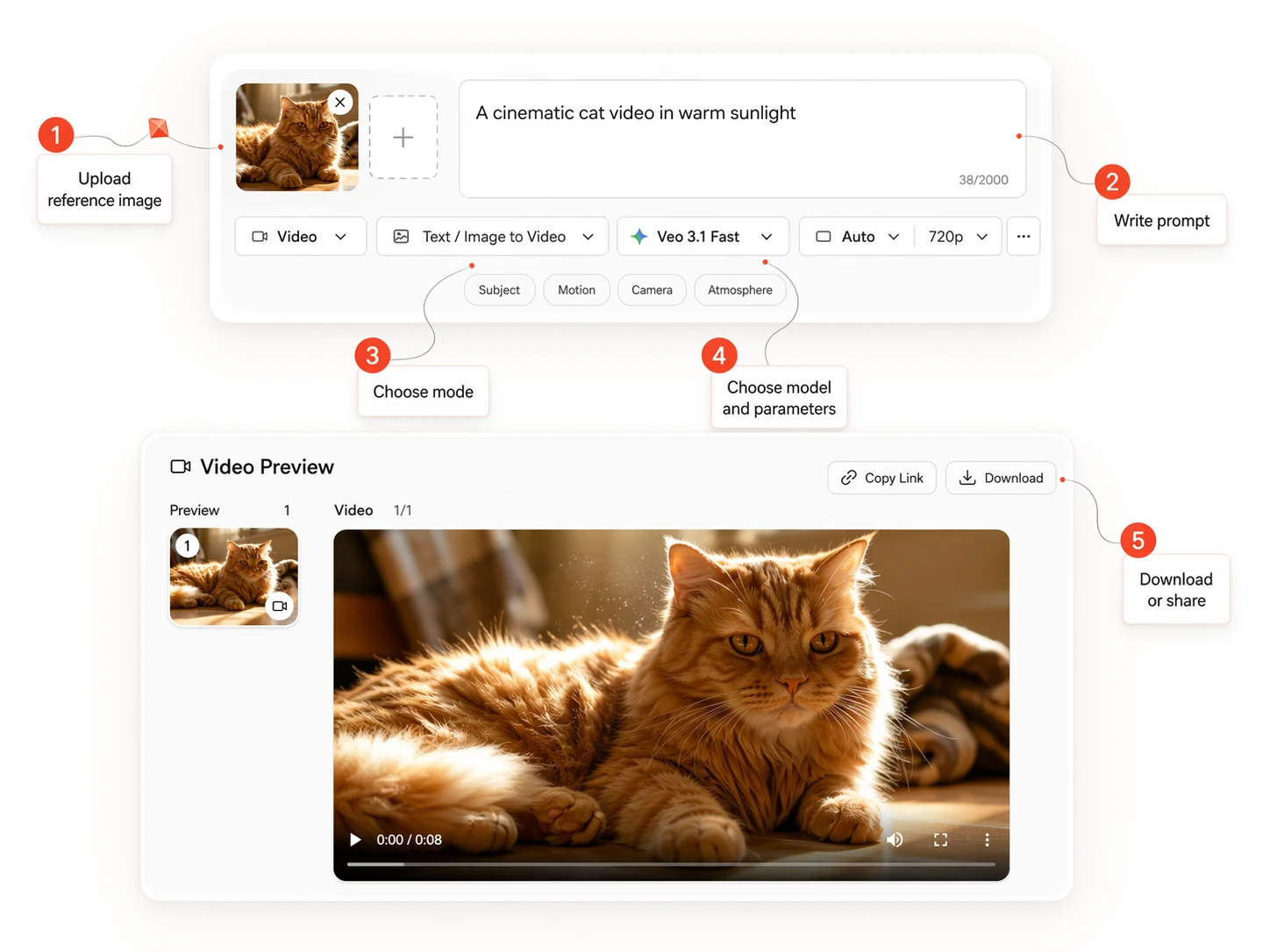
| Core Workflows | Supports text-to-video, image-to-video, subject-to-video, video editing, video-to-video editing, and subject-and-video-to-video editing. | Supports text, image, audio, and video inputs in one unified multimodal generation workflow. | Supports text-to-video generation, image-guided generation, video extension, and first-and-last-frame generation. |
|---|
| Reference and Editing Control | Preserves subject identity from reference images and edits existing video while keeping motion, composition, and unaffected regions stable. | Uses image, audio, and video references with stronger control over performance, lighting, shadow, and camera movement. | Uses up to three reference images, plus first-and-last-frame guidance, for tighter scene planning and shot control. |
|---|
| Audio Workflow | Generates synchronized audio-visual output with dialogue, ambient sound, and expressive vocal performance. | Generates audio and video together in one joint multimodal workflow. | Generates native audio together with high-fidelity video output. |
|---|
| Output Style and Quality | Targets cinematic output with strong semantic understanding, physically convincing motion, stable multi-shot scenes, and up to 15 seconds of 1080p video. | Targets multimodal breadth, motion stability, immersive audio-visual results, and director-level scene control. | Targets high-fidelity 8-second video in 720p, 1080p, or 4k, with landscape and portrait output plus strong image-guided control. |
|---|
| Best Fit | Best when you want cinematic short-form output, subject consistency, synchronized audio, and a workflow that moves from generation into editing. | Best when the project needs the broadest multimodal input set and heavier reference control inside one creation pipeline. | Best when you want image-guided generation, frame-specific control, portrait or landscape output, and API-ready production workflows. |
|---|